Version 1.1.8 documentation release
- Naming strategy for tasks and groupings of tasks
- Playbook release for comment
The most recent iteration of the playbook (0.2b) has suggestions for the terminology required for task creation and assignment, after a test FM file was created to look at the relationships that would be needed to provide a re-usable interface for getting from a single definition of a task to the individual set that a student needs to interact with on a placement.
The Task creation and entry has two parts, the creation of a surveyjs template saved as JSON, which describes fully the form of questions that will be presented to a student, and the metadata about which module(s), level, course which apply to this - along with some additional flags. The record will show an isActive state, and a date of introduction and also a date of retirement. Once the current date has passed either the introduction or retirement date, the active flag will update.
These tasks may be gathered into a TaskSet, as a convenience holder for multiple similar or parallel Tasks to be carried forwards together. This a re-usable short-hand designed to bring soem time-saving with maximum flexibility. These can be a named group to assist Admins to gather all the tasks that will be required in the next step.
A TaskScheme is a year-scoped record which builds a list of the taskIDs defined by linking to one or more TaskSet records and individual Tasks. Because there is a requirement for all Placements to complete a PlacementExpectation, there will be a method to select from the relevant possibilities. This scheme will have an action button to generate child YearSet records as a one-to-one match for all the referenced Task records linked to the TaskScheme. These will contain a store of deadline dates for each activity for each of the study modes/centres. These form the default date when later instantiated for the Student.
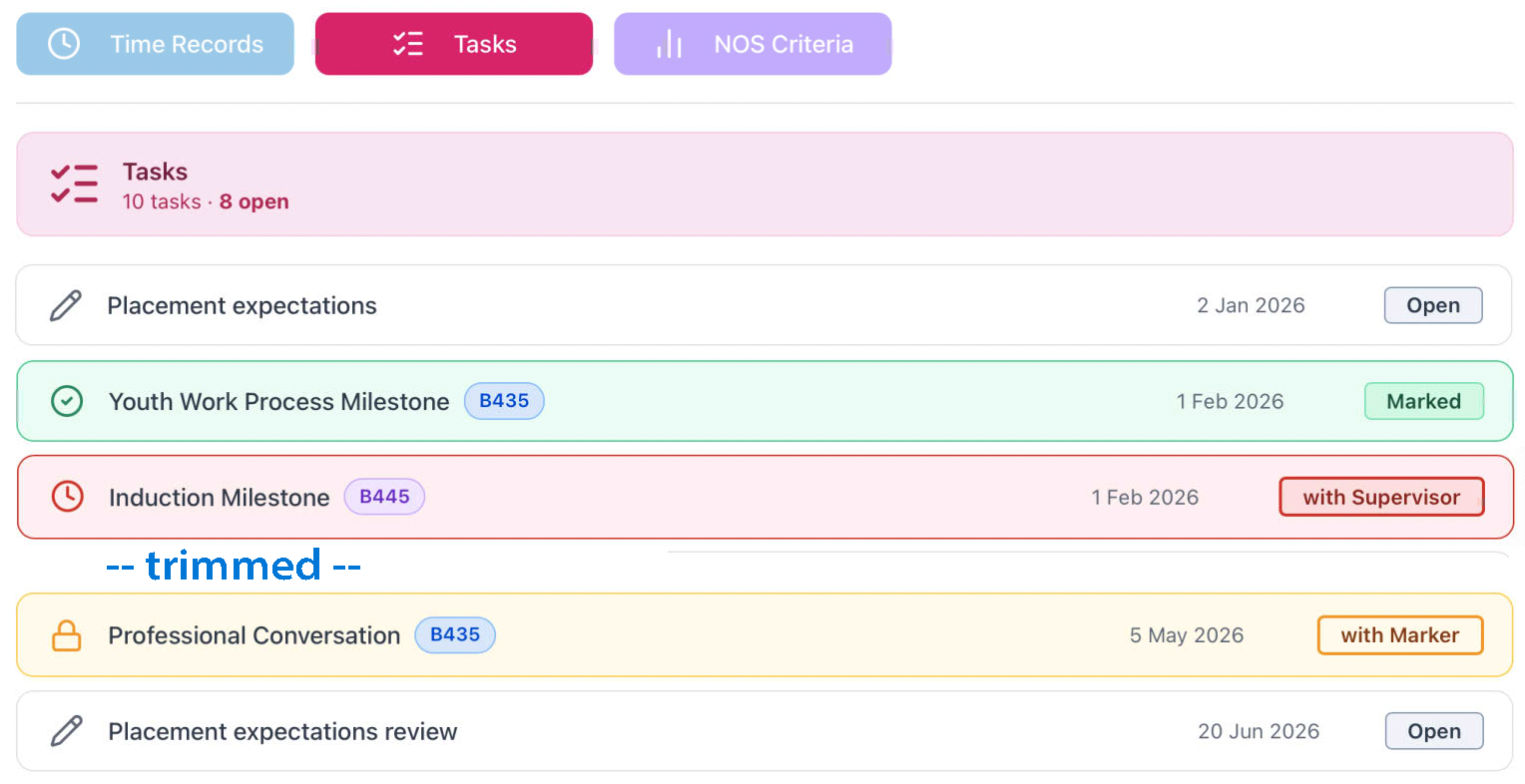
When a student is assigned a Placment record for the current year, the correct TaskScheme link is applied, and all of its YearSet records are used to create all of the StudentTask records that reveal which activities a Student needs to complete during the Placement. These are created with the relevant deadline data from the YearScheme record.
Part of the creation of the records may involve some schema which defines the onward routes allowed - defining who may interact with the record next, and whether or not it is allowable to resubmit the whole thing. It is key that this does not change any already set late flags but will allow the record to return to an 'open' state. This may involve additional stamp fields, but definitely requires audit logging of the action.
Archtitecture is therefore T → TP → TS → YS → ST
Interactions are Role driven, and these have been defined and enumerated for:
- Student
- Supervisor
- Observer
- Tutor
- Marker
- Moderator
- Admin