Task records
Your list of formal tasks for each student will be simliar to this.
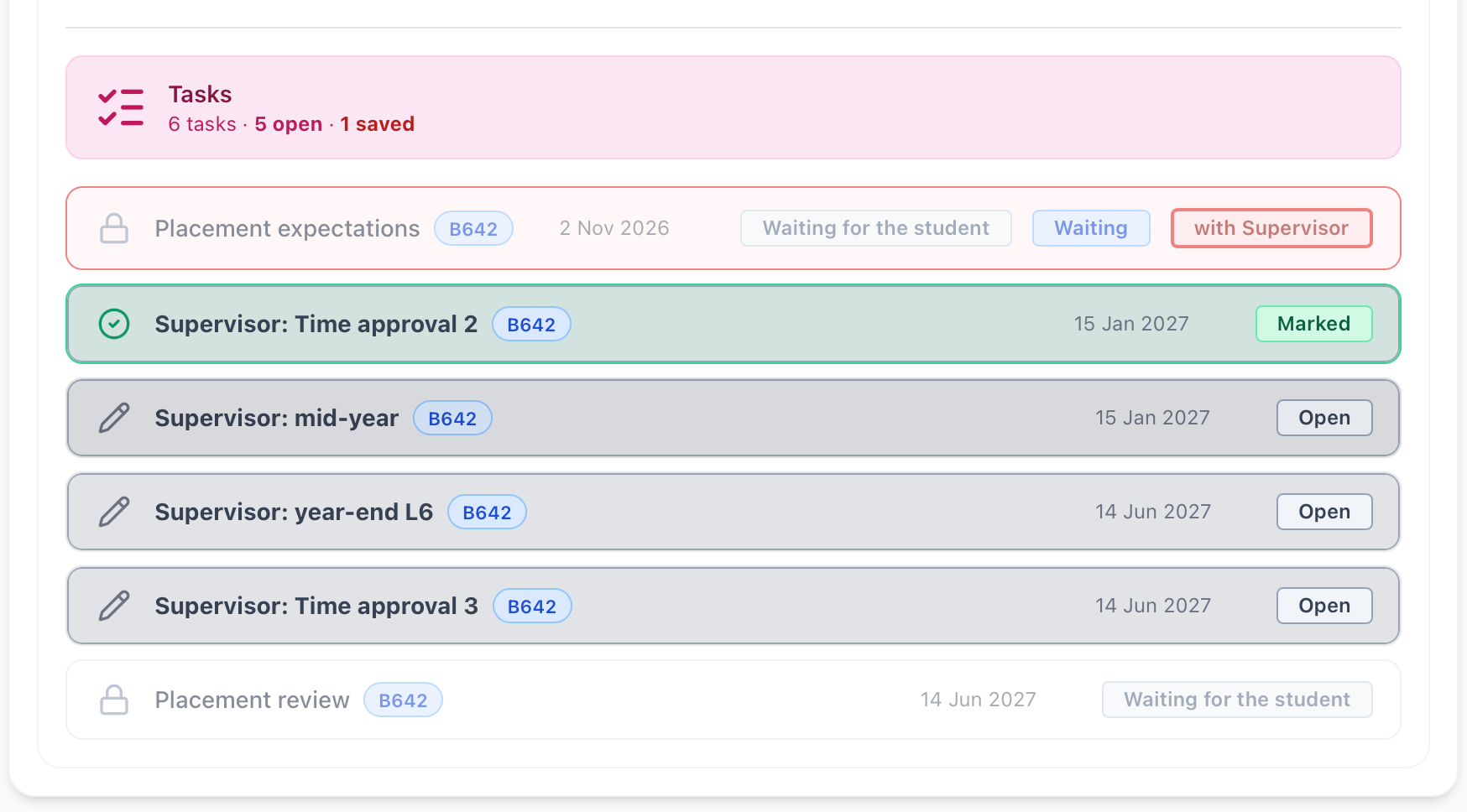
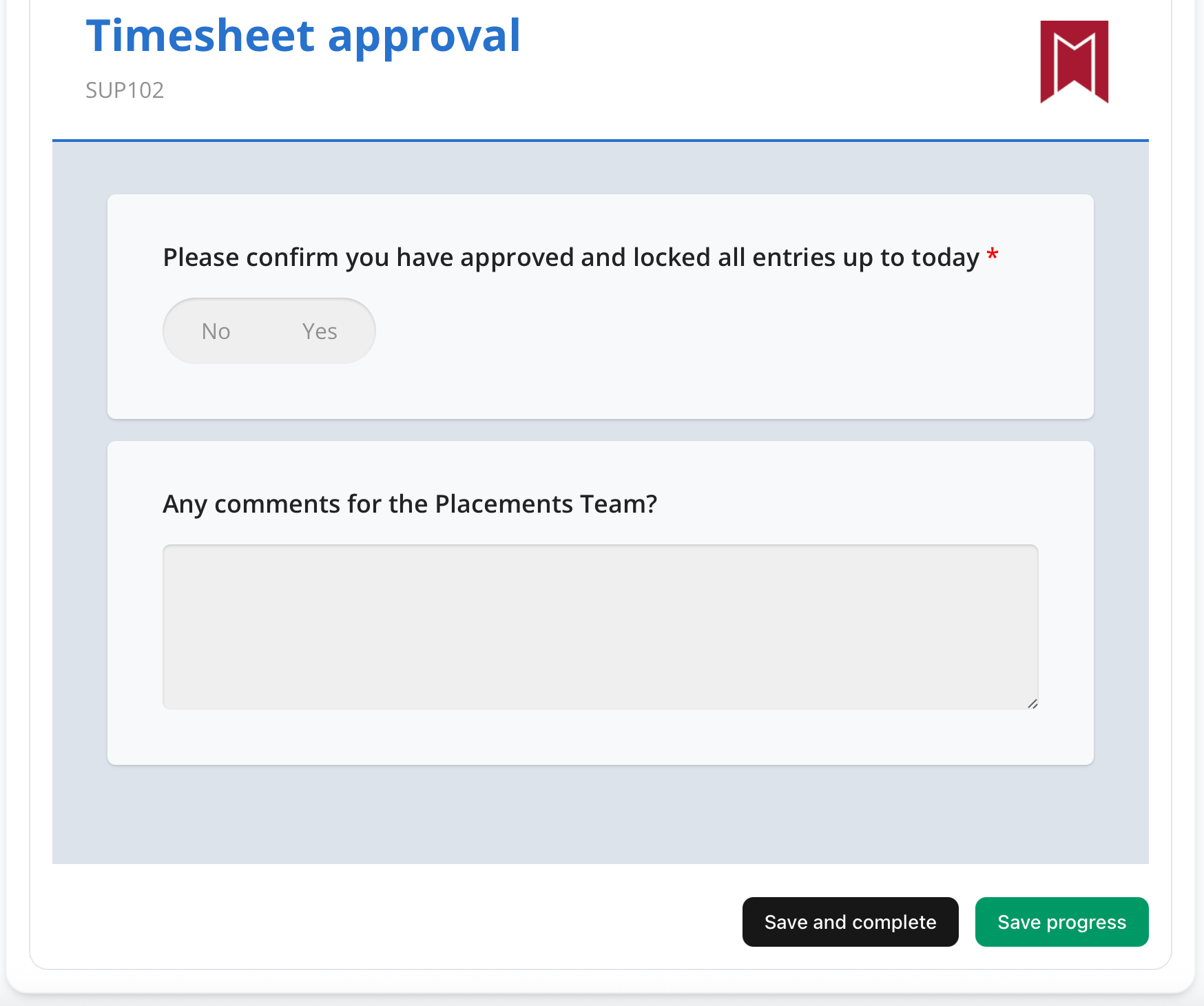
Selecting each of them will open the task for you to enter comments or make selections. At any point you may use the green save button at the bottom to ensure that what you have entered is saved, and you can return in the future.
Once you are ready to finally submit use the black button. You will see a small 'toaster' notification appear at the bottom right of the screen. (It's called that because it pops up - like a toaster!)
Once this is done you may review this again, but all the entry fields will be locked, as shown by being purple.